Openlist是什么
OpenList是一个支持多存储的文件列表程序,使用Gin框架和Solidjs库,基于AList项目fork开发,是一个更可信、可持续的AList开源替代方案。目前OpenList已经发布了4.1.8正式版。桃子味带你们一起看看怎么创建
如何安装引用视频
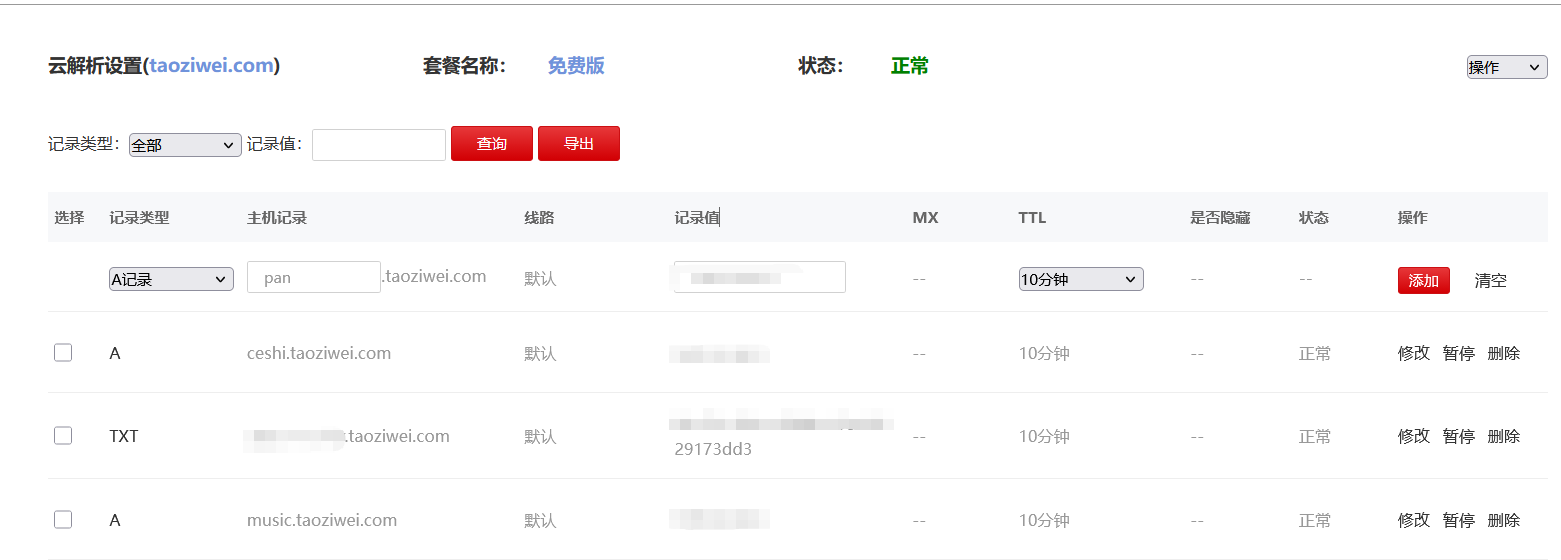
先将域名解析到自己服务器
首先你得有自己服务器哈,然后做一个域名解析
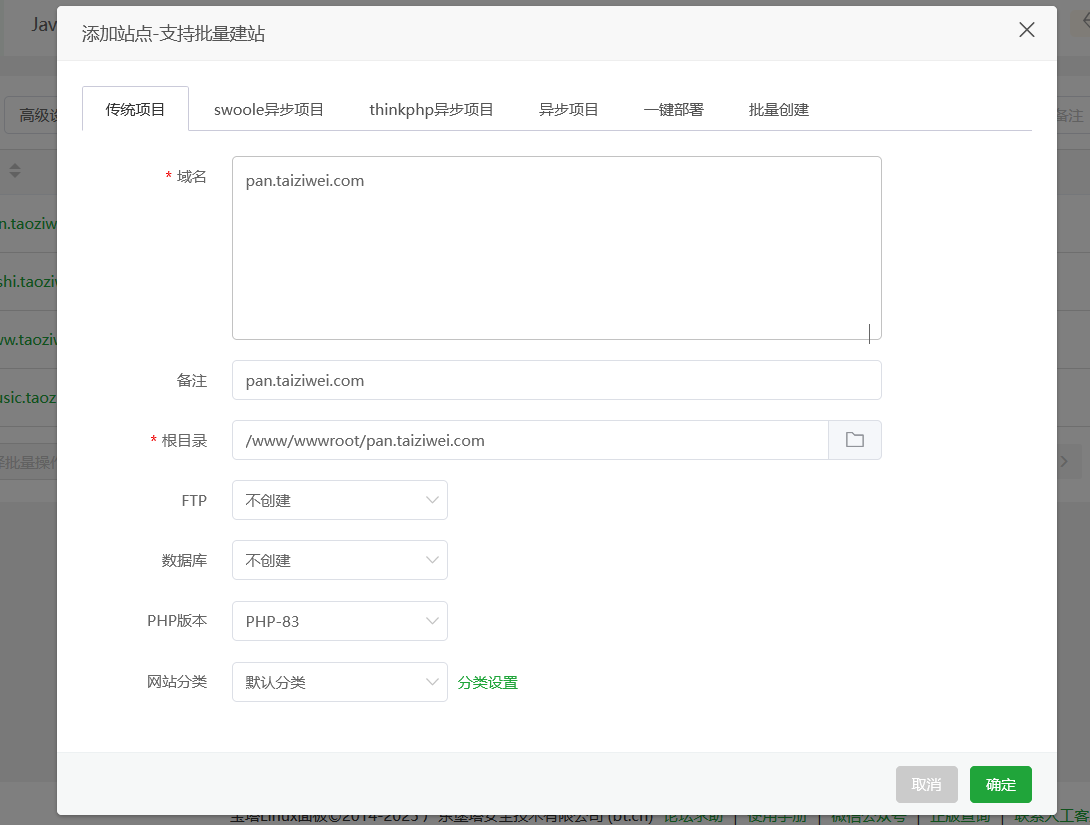
宝塔页面创建站点
进入创建的域名目录下
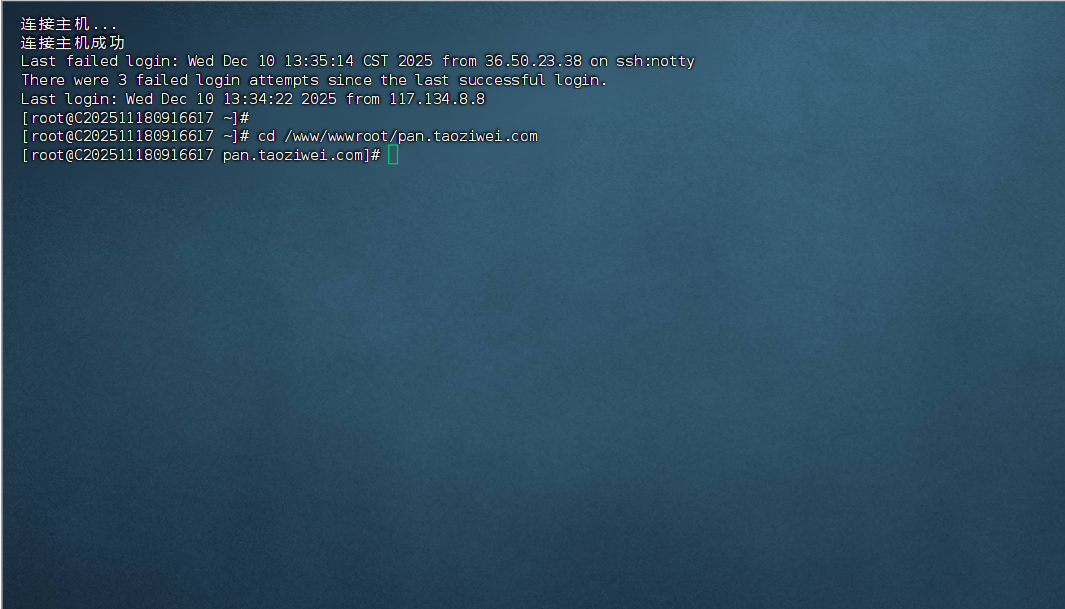
输入脚本
curl -fsSL https://res.oplist.org/script/v4.sh > install-openlist-v4.sh && sudo bash install-openlist-v4.sh
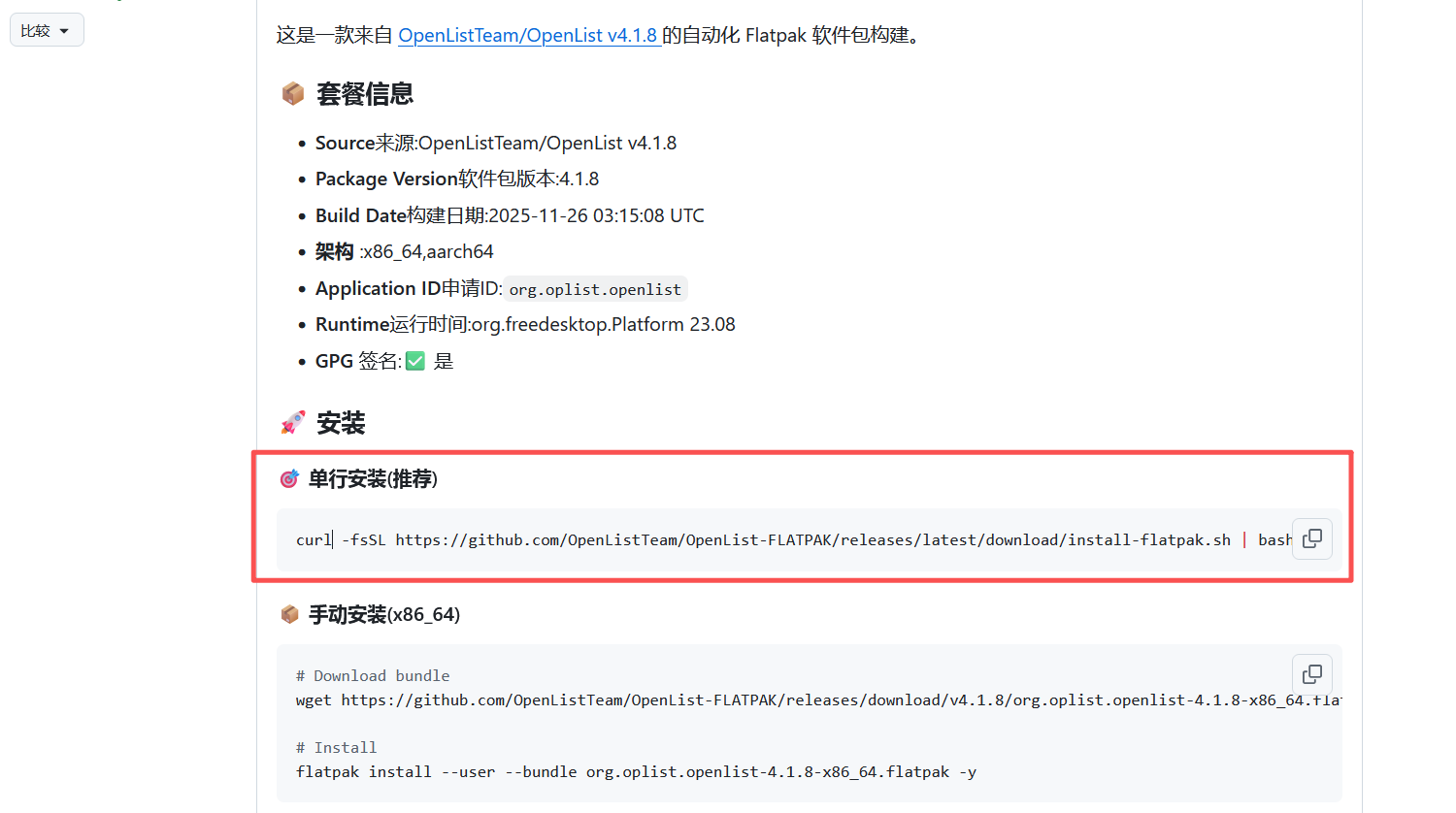
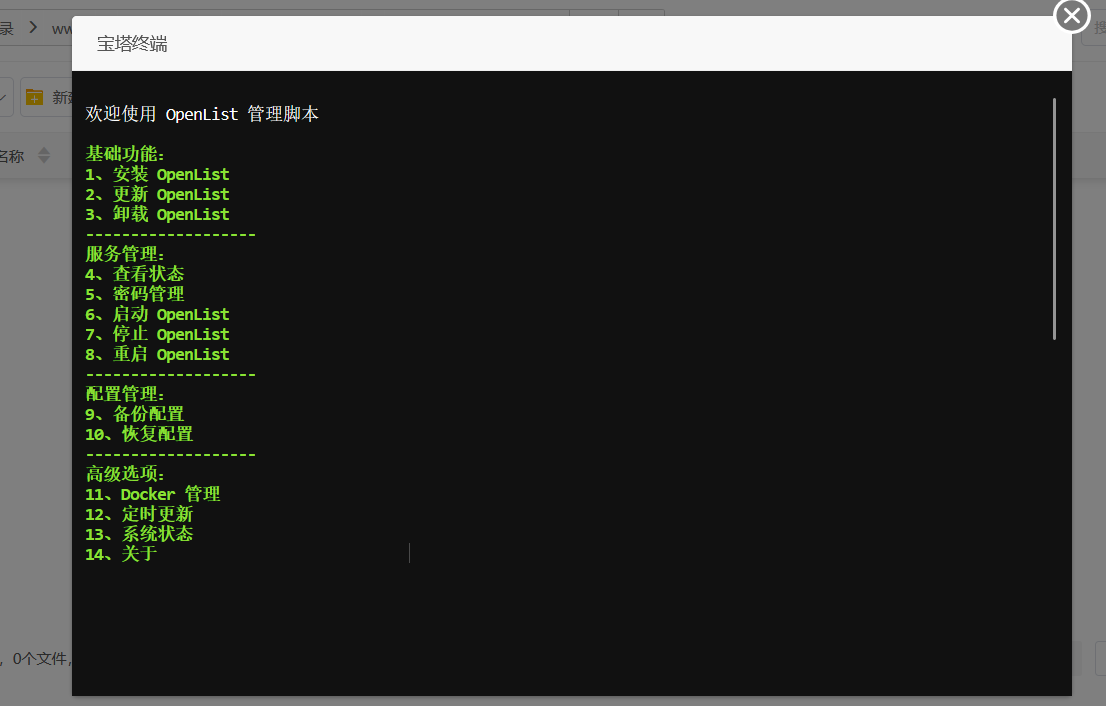 [aru_23]按照操作你还不会选择几吗[aru_97]🐎
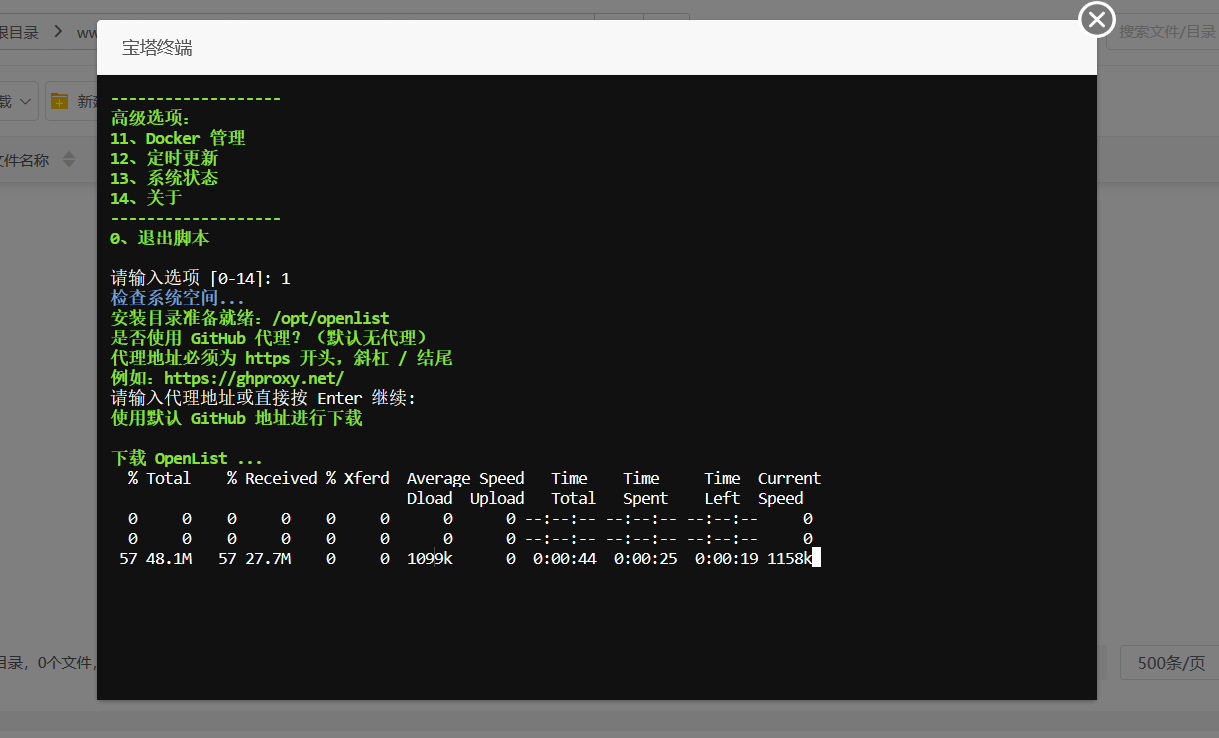
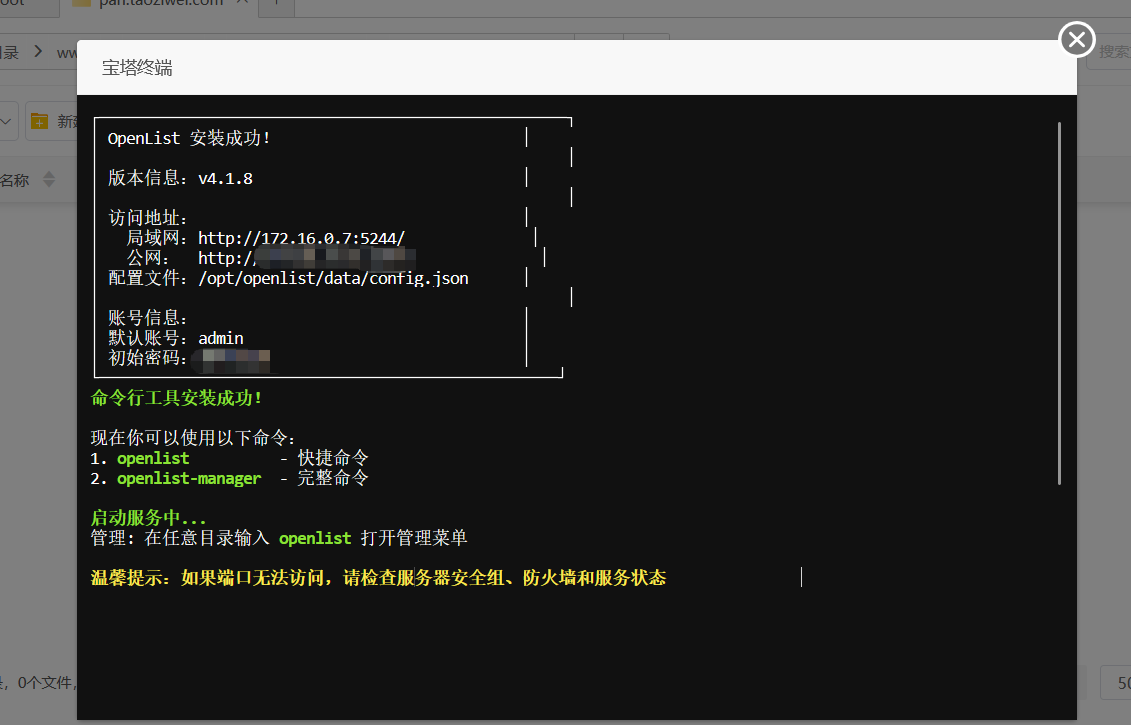 到目前肯定还是不行的,你网站是打不开的[aru_84]
反向代理
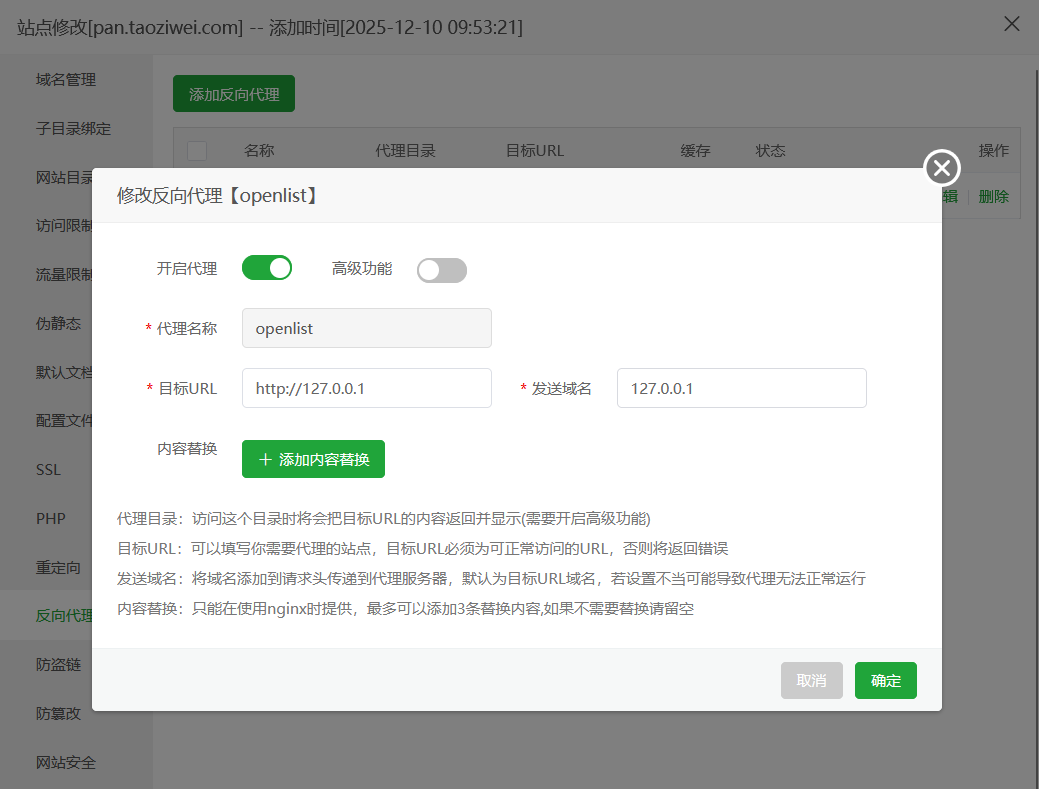 反向代理127.0.0.1[aru_95]
编辑配置文件
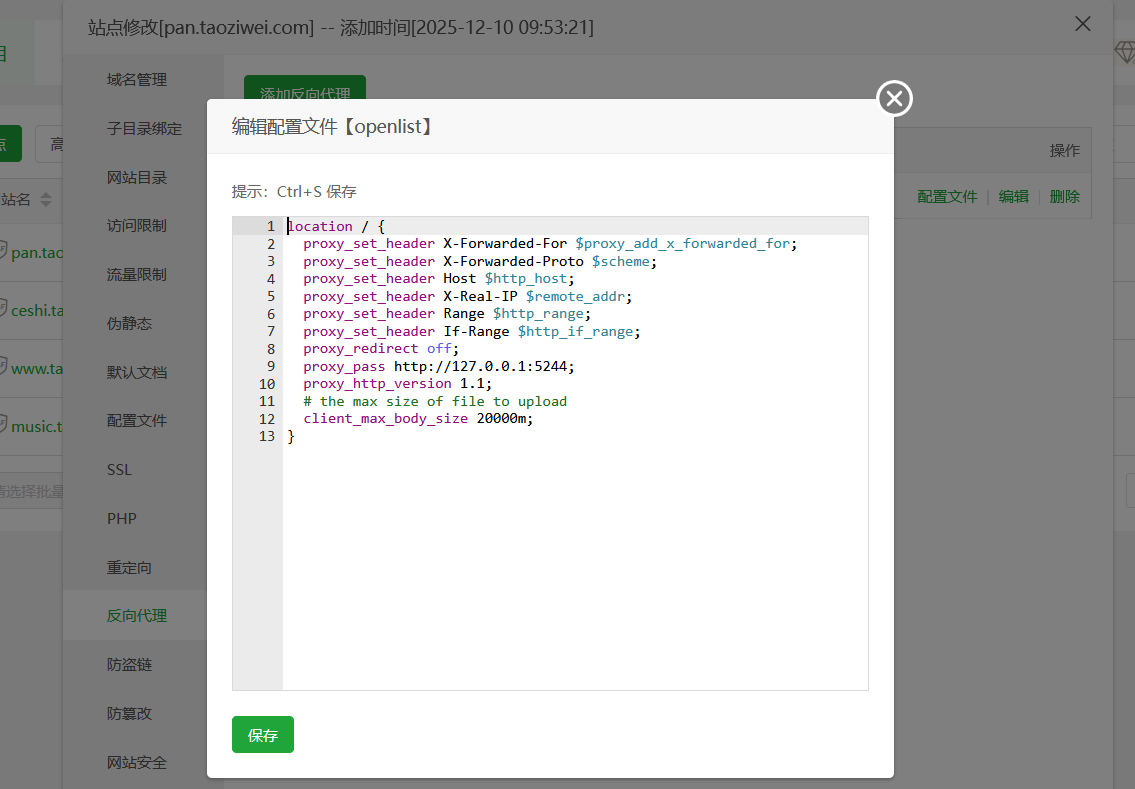
location / {
  proxy_set_header X-Forwarded-For $proxy_add_x_forwarded_for;
  proxy_set_header X-Forwarded-Proto $scheme;
  proxy_set_header Host $http_host;
  proxy_set_header X-Real-IP $remote_addr;
  proxy_set_header Range $http_range;
  proxy_set_header If-Range $http_if_range;
  proxy_redirect off;
  proxy_pass http://127.0.0.1:5244;
  proxy_http_version 1.1;
  # the max size of file to upload
  client_max_body_size 20000m;
}
建站成功
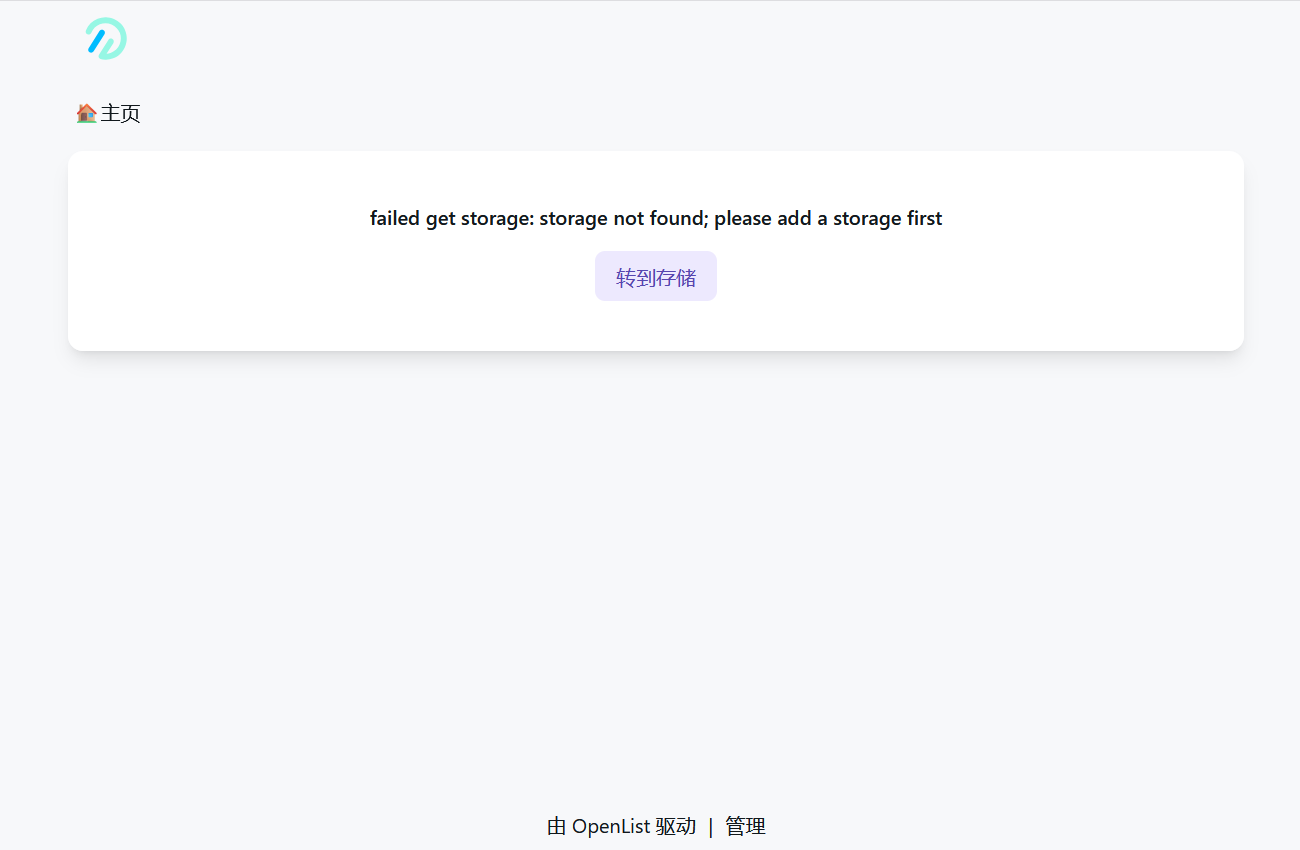
后面就需要登录后台[aru_87]
配置相应网盘接口[aru_126]
本文作者为桃子味,转载请注明。